Formats
QR code seating charts: are they worth it?
A QR code lets guests look up their table on their phone. It shortens the line at the door, and it works best next to a printed sign, not instead of one.
Updated
QR code seating charts have become a common sight: a small sign at the entrance, guests scan it, type their name and see their table. They are useful, especially at larger weddings where a crowd forms around the poster. They are also easy to overestimate. Some guests will not scan anything, and a phone screen is no fun to share with the person beside you.
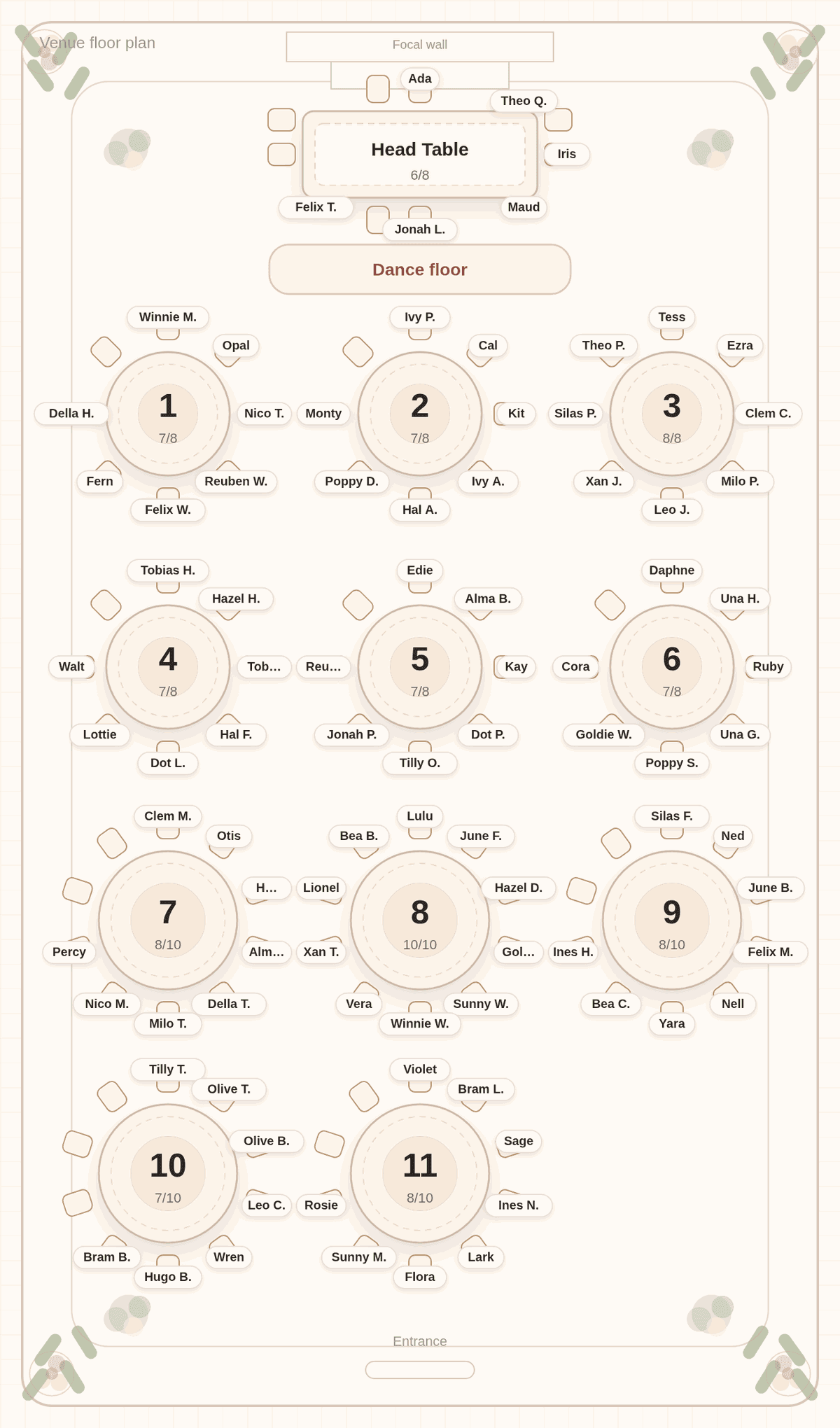
The chart below is the kind of chart that feeds a QR sign. We pasted a made-up list of 90 guests into Tablecharm, tagged the couple and four attendants for the head table and solved. On a paid chart, that one arrangement drives the poster, the place cards, the escort list and a private find-my-seat page that a printable QR sign opens.
What a QR seating sign actually does
A QR sign is a link printed as a square code. A guest points their phone camera at it, a web page opens, and they search for their name. The page shows their table. That is all it needs to do, and it does it quickly.
In Tablecharm the page is called find-my-seat. It lists every guest with their table, lets guests search by first or last name, and cannot be edited by anyone who opens it. It reads the saved chart, so if you move someone in the editor and save, the page shows the new table.
When a QR code helps
The QR code earns its place when many guests arrive at once:
- Large weddings, where a crowd forms around one poster.
- Receptions with a cocktail hour in a different room, where guests can check their table early.
- Guests who arrive late, after the escort table has been cleared.
The same link can also be texted or emailed to guests before the day, which is handy for a venue with a confusing layout. At a small wedding with a single easy sign, a QR code adds little.
Why you still want a poster
A printed sign works for everyone, including guests without a phone, guests whose phone is in the car, and guests who simply do not want to scan anything at a wedding. It is also part of the decor, and people like to see who else is at their table.
So treat the QR sign as a second door, not the only one. A common setup is a large poster on an easel, an alphabetical sign or two for speed, and a small QR sign beside them. For the posters themselves, see alphabetical or by table.
How it works in Tablecharm
After a chart is unlocked, the editor's Exports panel shows the find-my-seat link with a copy button, and adds a "Download QR sign for guests" export. The QR sign is one Letter page with your names, "Find your seat" and a large QR code that opens the page. The paid place-card download also includes it as its last page.
Before printing, run the "Ready to print or share" checklist in the same panel. It flags the sample couple's names if you have not changed them and counts guests still named with a placeholder, like "Hattie's Guest". Those names show up on the find-my-seat page exactly as they are in the chart.
Make the sign easy to scan
A few practical details make the difference between a sign that works and one guests give up on. Print the code large; the Tablecharm QR sign draws it at 4.4 inches. Put the sign at chest height, in good light, away from glare. Test it with two different phones before the day. And add a short line of text for guests who will not scan: "Or find your name on the board to the left."
Questions couples ask
Do guests need an app to use a QR seating chart?
No. Phone cameras open QR codes directly. The find-my-seat page is an ordinary web page, so guests just type their name.
Can I replace the seating poster with a QR code?
You can, but most couples keep a printed sign too. Some guests will not scan, and a poster works for everyone.
What if I move a guest after printing the QR sign?
The QR code opens the live page, which reads your saved chart. Move the guest, save, and the page shows the new table. Printed posters would need reprinting.
Can guests change their own seat through the link?
No. The find-my-seat page is read-only. Only your private edit link can change the chart.
One chart, poster and QR sign
Paste your list below and solve. Once the chart is unlocked, the same arrangement prints as a poster and powers the find-my-seat page.
No list handy? Try it with a sample list first. The editor and solver are free, with every table readable in preview. Payment is for final files and the guest link.

Useful next
- Printable wedding seating chart: the posters to go beside it
- Escort list template: the list version
- Seating chart maker: what comes with an unlocked chart