Timing
How to start a seating chart before all the RSVPs are in
Waiting for the last reply is how charts end up rushed. Draft now for everyone who has not declined, keep spare seats, and adjust as answers come in.
Updated
The last RSVPs always arrive late, and some never arrive at all until someone makes a phone call. If you wait for a complete list before starting the seating chart, you end up doing the hardest part of the planning in the busiest week. There is a calmer way: draft the chart while replies are still coming in, and treat it as a living plan.
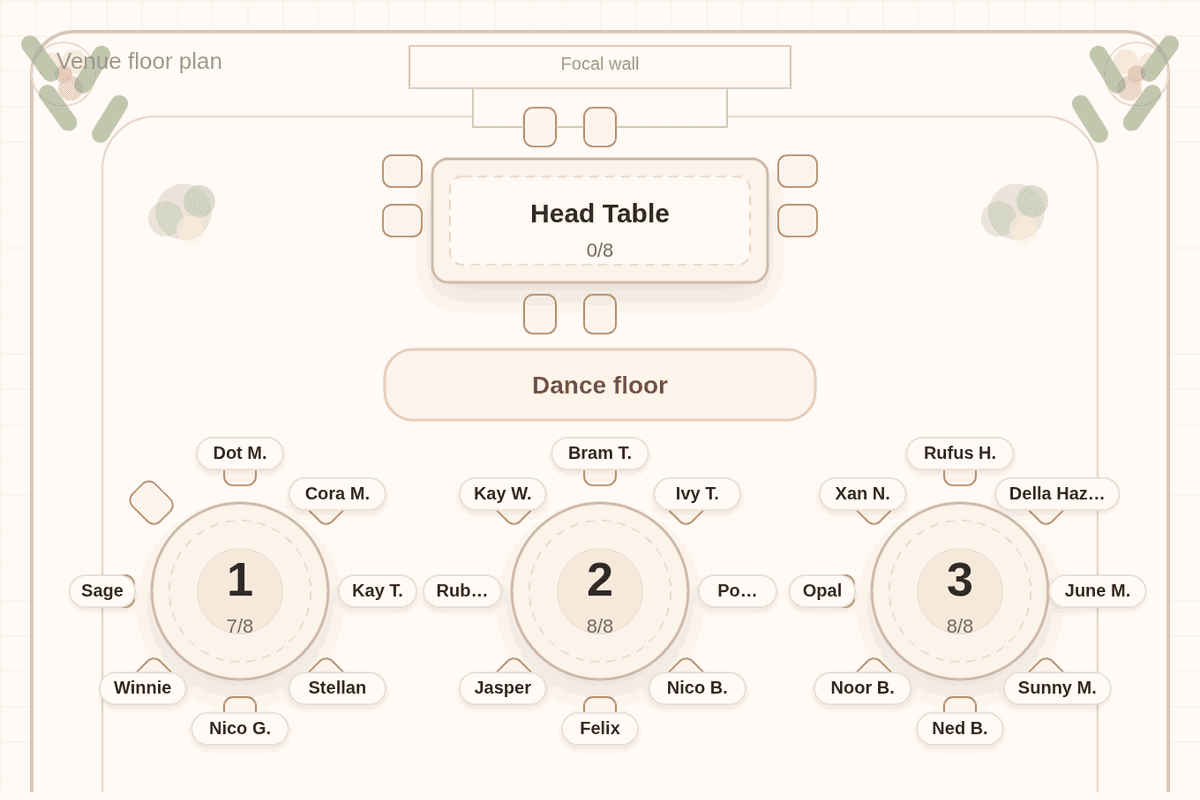
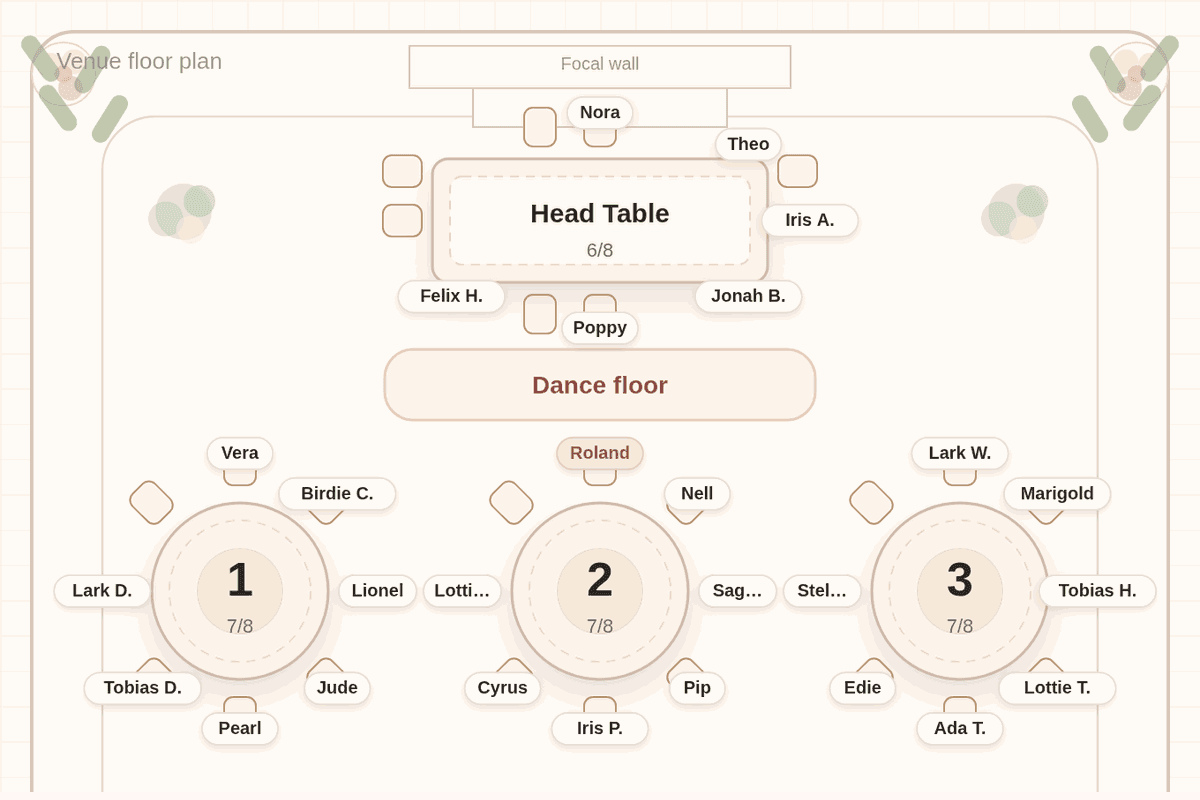
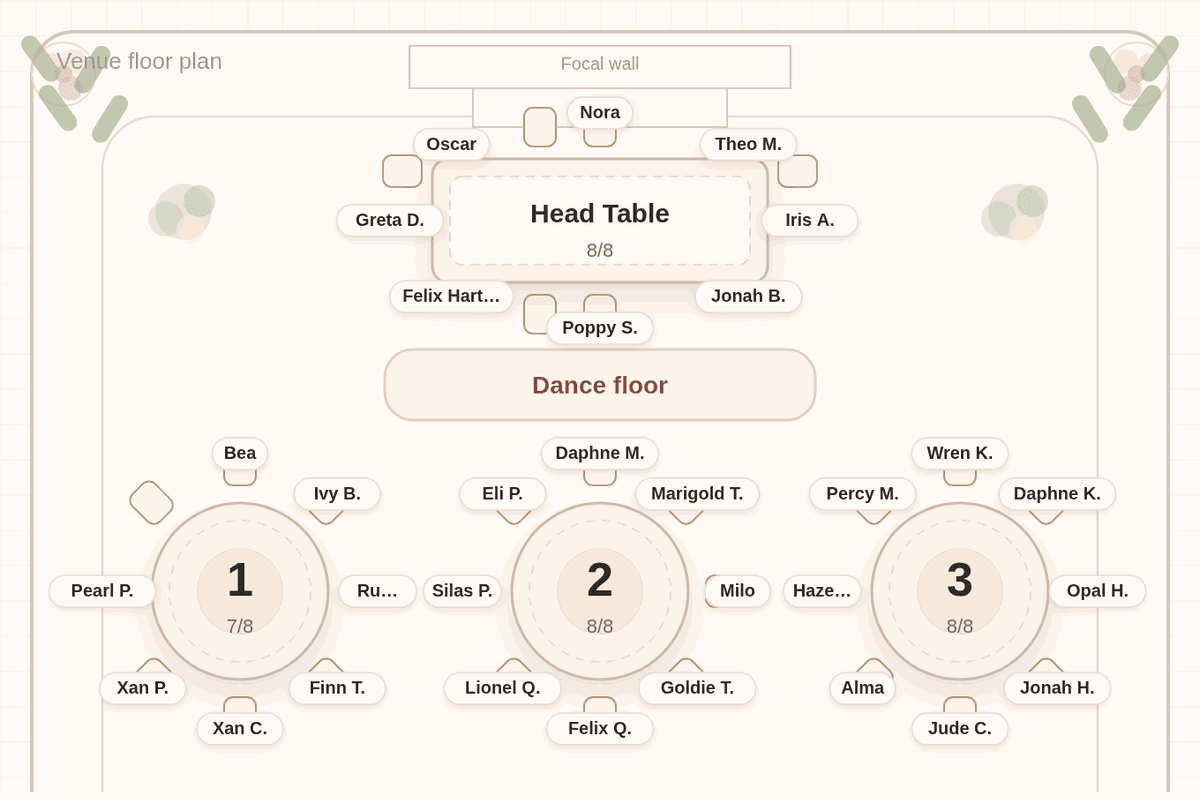
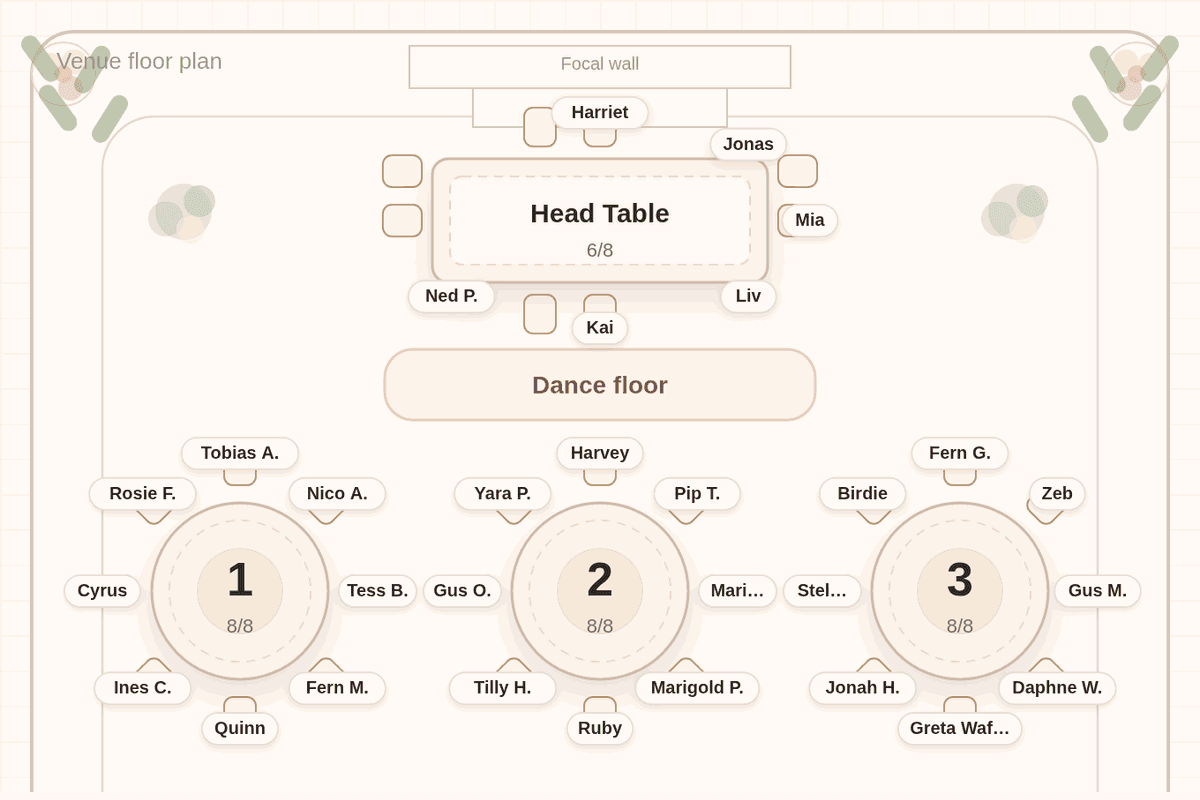
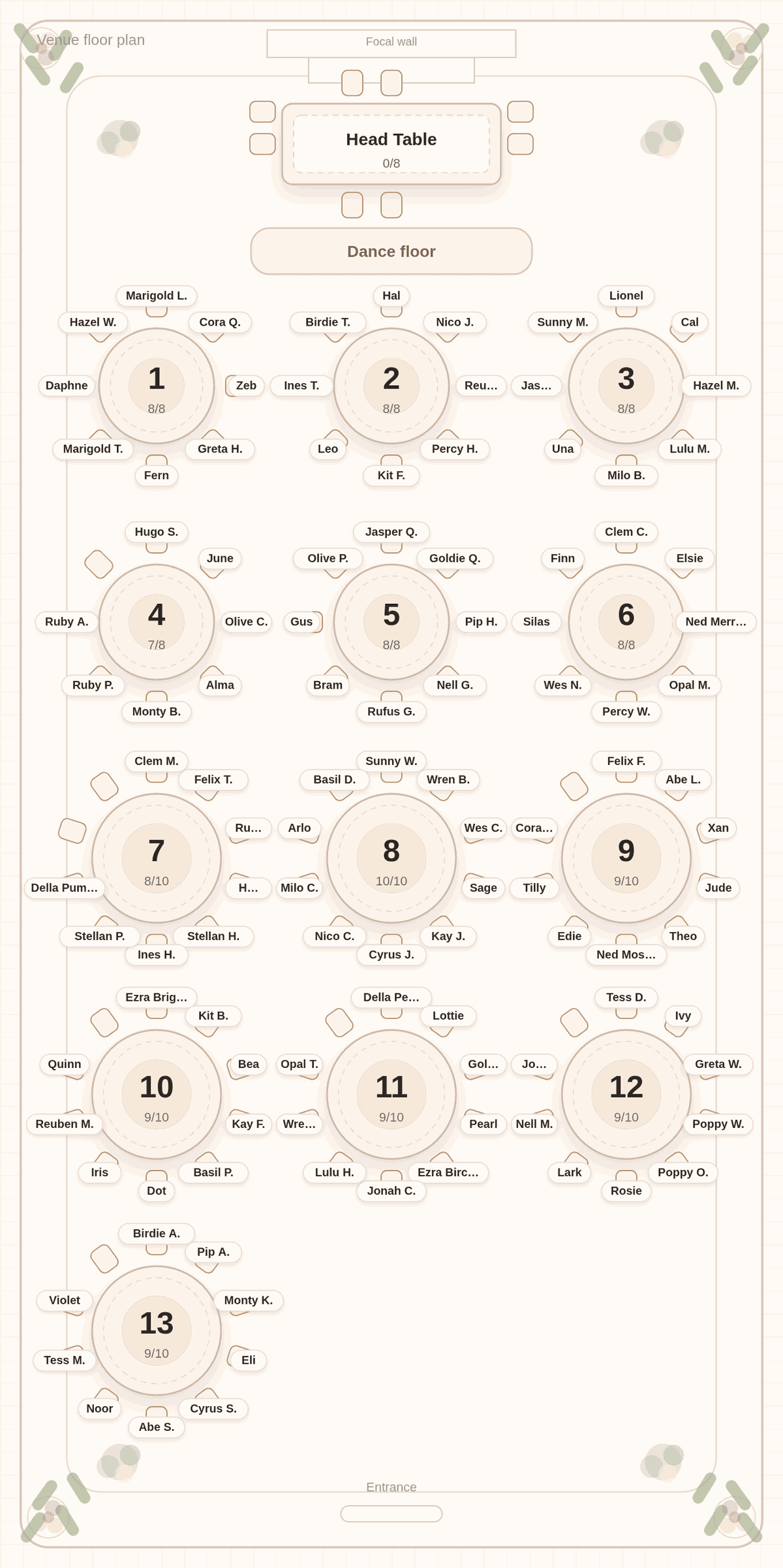
The chart below is that kind of draft. We pasted a made-up list of 110 guests, meaning everyone invited who had not declined, into Tablecharm and accepted the room plan it offered. That plan has 118 guest seats, so the draft carries eight spare seats before a single reply changes.
Start when you have groups, not a final count
You do not need final numbers to start. You need to know the groups: the families, the friend circles, the colleagues, and the handful of people who must be kept apart. Those do not change when one cousin declines. A good moment to begin is when most replies are in and you know roughly how many tables the venue will set.
Starting early also surfaces the hard questions while there is time to think about them, like where the stepparents sit or whether the college friends fit at one table.
The first draft is also where you learn your table count. Once the draft exists, the question "do we need another table?" has an answer you can see, instead of a guess you make the week of the wedding.
Plan for everyone who has not said no
The simplest draft seats every guest who has not declined. Guests who said yes are in. Guests who have not answered are also in, for now. It is easier to remove a name later than to squeeze one in.
If your list lives in Zola or a spreadsheet, export it and import the CSV. Tablecharm skips rows whose RSVP column says declined and keeps everyone else, including rows with no answer yet, so the draft matches this rule without any sorting on your part. From The Knot or Joy, delete declined guests before you import: Tablecharm does not read their RSVP columns yet, so it keeps every row.
Build spare seats in on purpose
A draft with every seat filled breaks the moment anyone changes plans. A draft with a few spare seats absorbs late additions without a reshuffle. Spread the spares across several tables instead of leaving one empty table, which looks like a mistake on the night and is easy to spot on the poster.
The chart above shows the pattern: five of the six tables of eight are full, and most tables of ten hold nine. A late plus-one or a surprise cousin has somewhere to go without anyone else moving.
When the answers land
Replies arrive in small batches, so the chart should change in small steps too:
- Remove guests who decline.
- Add anyone new, with their household on one line.
- Solve again.
In Tablecharm, every solve after the first moves as few guests as it can and tells you what moved, so three declines do not reshuffle the room you already shared with your parents. When a table is settled, lock it, and the solver leaves it alone from then on.
Know your real deadline
The venue or caterer will ask for a final count and usually a table list before the wedding. Ask them for the date early and work back from it. Printing comes after that, so leave a few days for the poster, cards and escort list. The timing guide has a schedule, and the last-minute guide covers changes in the final week.
Questions couples ask
Should I seat guests who have not replied yet?
In a draft, yes. Keep them in until they decline or the deadline passes, then remove them. Removing a name is easier than finding room for one.
How many spare seats should I leave?
Enough to absorb the changes you expect. One open seat at several tables usually handles late plus-ones without a reshuffle. Spread them out rather than leaving one table empty.
Will changing the list undo the whole chart?
Not in Tablecharm. After the first solve, re-solving moves as few guests as it can and reports what moved, and locked tables stay exactly as they are.
What if more people say yes than we planned for?
Use the spare seats first. If they run out, add a table and solve again. Tablecharm checks before each solve whether the tables have enough seats for the list, and says so plainly when they do not.
Start your draft today
Paste everyone who has not declined, one household per line. You can remove names and re-solve as replies arrive.
No list handy? Try it with a sample list first. The editor and solver are free, with every table readable in preview. Payment is for final files and the guest link.

Useful next
- Drag-and-drop vs automatic seating charts: when a manual tool stops being enough
- When to make your seating chart: a schedule that works backward from the date
- Last-minute seating chart: changes in the final week
- Import your guest list: declined rows skipped for Zola and spreadsheet exports
- Coming from Joy?: bring your list across