Timing
The seating chart two weeks before the wedding
Three declines and one new date should not reshuffle your room. A re-solve that moves only what it must, and a short list of what to check before printing.
Updated
Two weeks before the wedding, the seating chart is mostly done and the list is still moving. Someone cancels, a cousin adds a partner, and the venue wants its final table list. The temptation is to start over. The better move is to change only what changed.
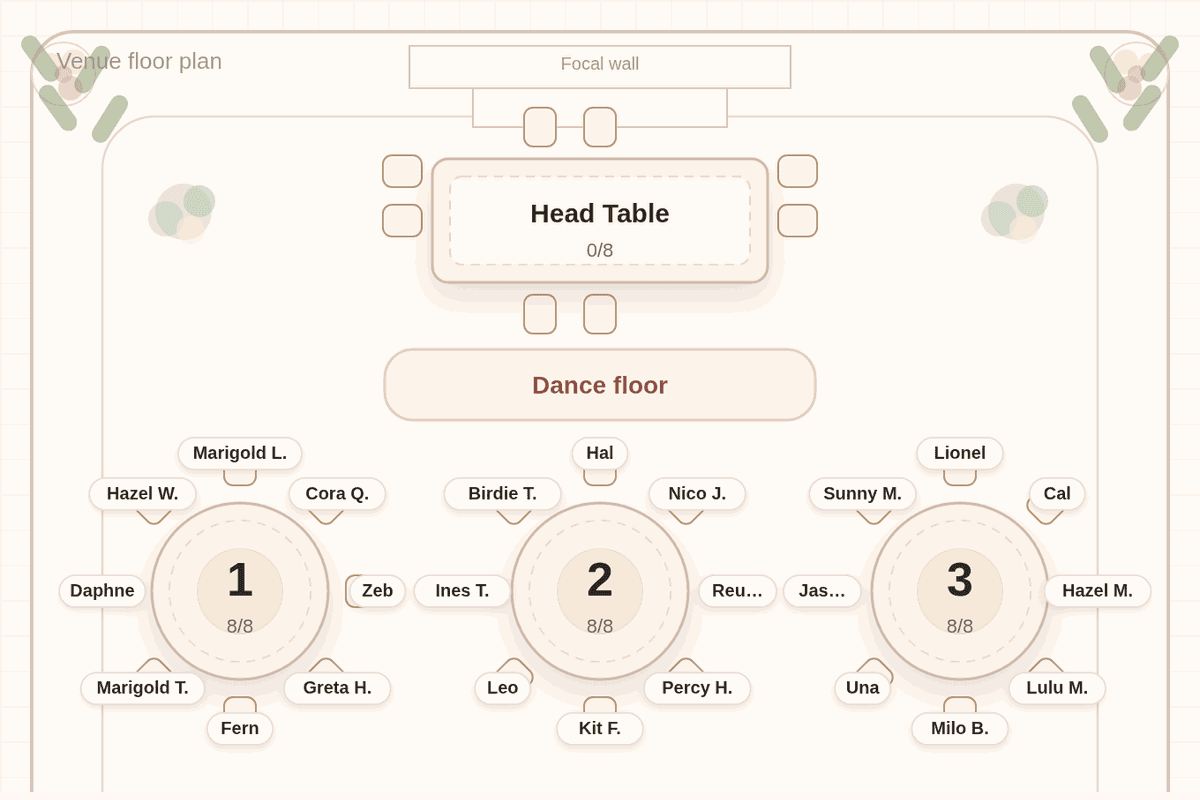
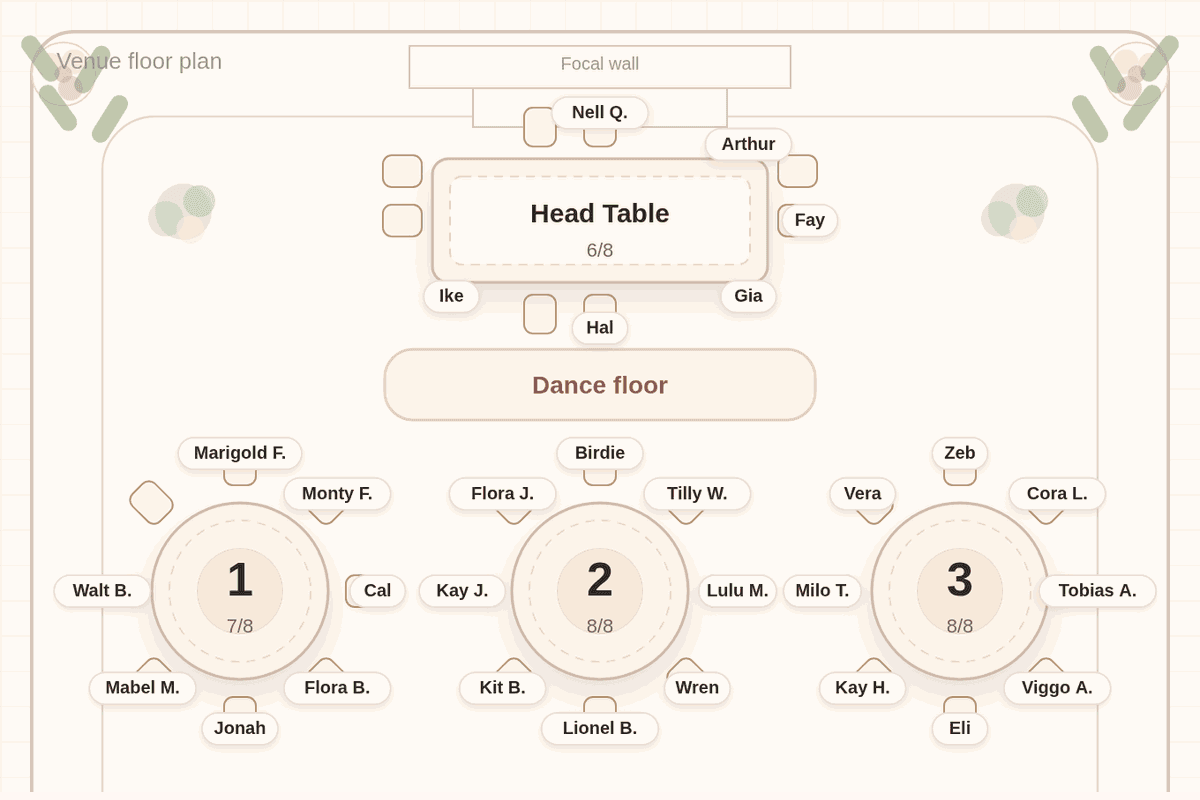
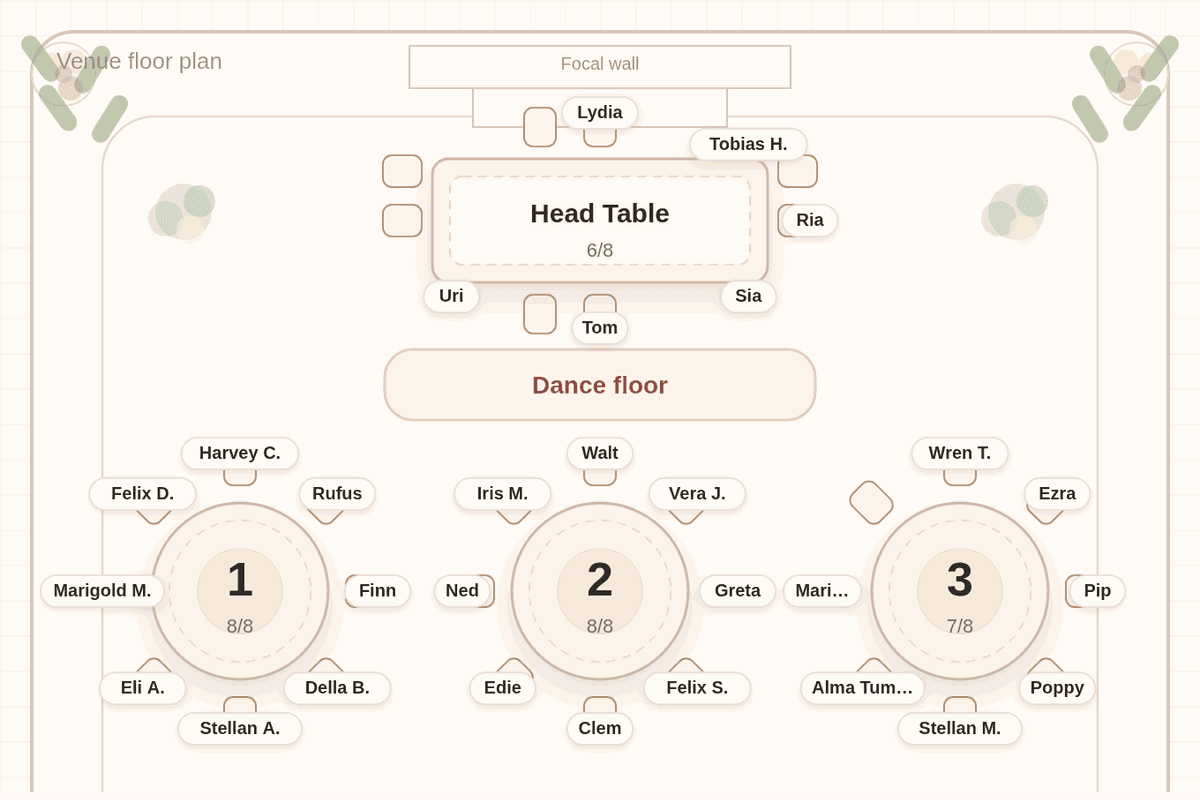
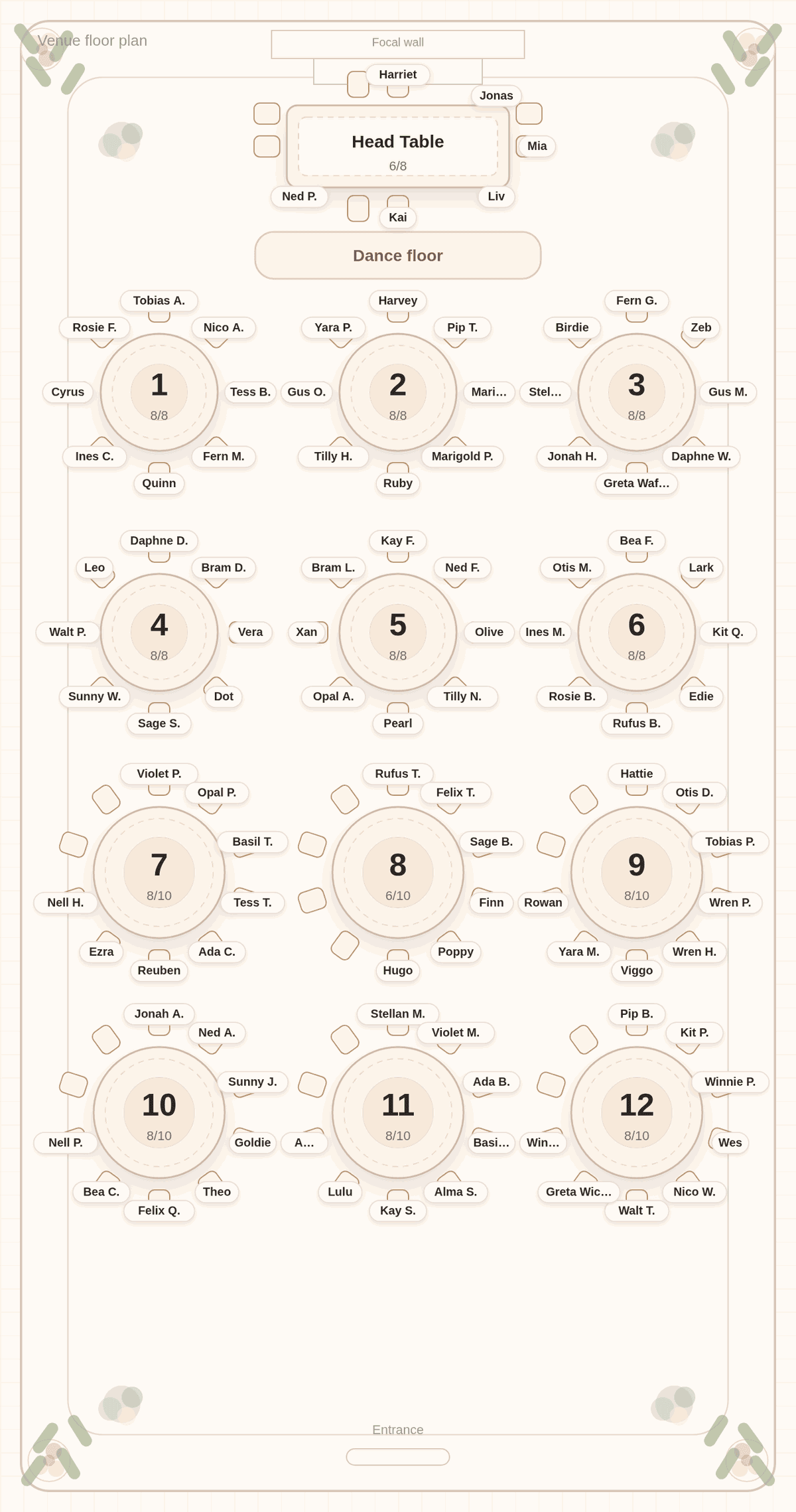
The chart below shows that on a real re-solve. We pasted a made-up list of 102 guests into Tablecharm and solved it. Then, as if replies had come in, we removed three guests who declined, Clara and Simon at Table 8 and Dinah at Table 9, and added Rowan as Hattie's date, kept with her. We pressed Solve again. The app reported "Moved 1 guest across 1 table." The one move was Rowan joining Hattie at Table 9. No guest who was already seated changed tables.
Change only what changed
By this point you have probably shown the chart to your parents, told a few friends where they are sitting, and maybe sent a draft to the venue. A seating tool that reshuffles the whole room when one guest cancels undoes all of that.
Tablecharm's first solve searches the whole room. Every solve after that is a minimal-move re-solve: it starts from the chart on screen, moves as few guests as it can while still honoring your rules, and then tells you what moved. In our example, three removals and one addition led to one move.
Declines leave gaps, and that is fine
When guests decline, their seats simply empty. In our chart, Table 8 went from eight guests to six, and Table 9 lost one. The re-solve did not pull guests from other tables to fill those gaps, because moving settled guests is worse than leaving a table a seat or two short.
If a table ends up noticeably empty, you can fix it by hand: drag two guests who would enjoy it, or ask the venue to take the extra chairs away. The odd numbers guide covers what empty seats look like from the door.
Adding a late guest
A late addition is usually someone's partner. Add them to the list with the guest they are coming with, and keep the two together; a keep-together rule does it, or drag the new guest to the table. On the next solve, Tablecharm keeps the pair together and, where that table has room, moves nobody else. In our example the declined guest at Table 9 left exactly the seat Rowan needed.
If there is no room, the re-solve moves as few people as possible to make some, and names the tables it touched. If a table is settled and must not change, lock it; locked tables keep their guests on every solve.
A short checklist for the final two weeks
- Confirm the last replies. Call anyone who has not answered.
- Remove declines and add late guests, then solve once.
- Rename every placeholder plus-one with a real name.
- Check the names at the top of every print.
- Send the venue its list by its deadline.
- Print posters and cards last.
Tablecharm's "Ready to print or share" checklist tracks most of this for you: placeholder names, your names on the chart, every guest seated, rules checked since the last change, and the latest version saved.
After printing
Once the posters are printed, keep further changes small. A guest who cancels after printing can simply be missing on the day; nobody reads a poster that closely. If you have a find-my-seat link for guests, it reads the saved chart, so a change you save still shows there even after the posters are printed. The no-shows guide covers the day itself.
Questions couples ask
Is two weeks before the wedding too late to do the seating chart?
It is tight but workable, especially if the list is ready. Check your venue's deadline first, since it may be sooner.
Will one cancellation mess up the whole chart?
Not in Tablecharm. After the first solve, re-solving moves as few guests as it can and tells you what moved. A cancellation usually moves nobody.
Should I fill the empty seats after declines?
Only if a table looks noticeably empty. A seat or two open is normal. Moving other guests to fill gaps undoes plans you have already shared.
How do I stop a table from changing?
Lock it on the Tables tab. A locked table keeps its guests through every solve.
Update without starting over
Paste your list below and solve. When replies change, edit the list and solve again; the app tells you exactly who moved.
No list handy? Try it with a sample list first. The editor and solver are free, with every table readable in preview. Payment is for final files and the guest link.

Useful next
- Last-minute seating chart: the final days
- When to make your seating chart: the whole schedule
- How the generator works: re-solves and locked tables