Timing
How long does a wedding seating chart take?
The seating itself takes seconds. The list, the decisions and the final read are where the hours go, and most of that work is worth doing anyway.
Updated
Ask couples how long their seating chart took and the answers range from an evening to several weekends. The difference is rarely the number of guests. It is how the work was done: by hand on paper, moving sticky notes around a poster board, or by writing down the groups and rules once and letting software place people.
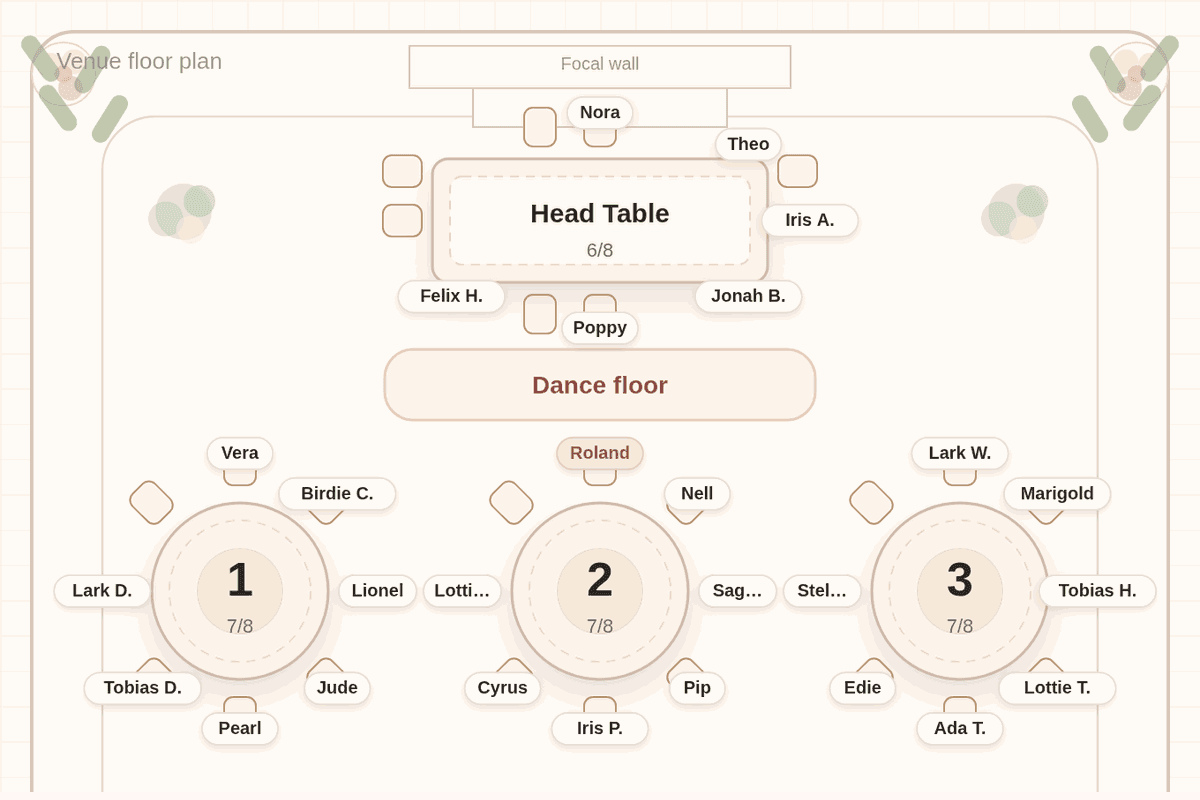
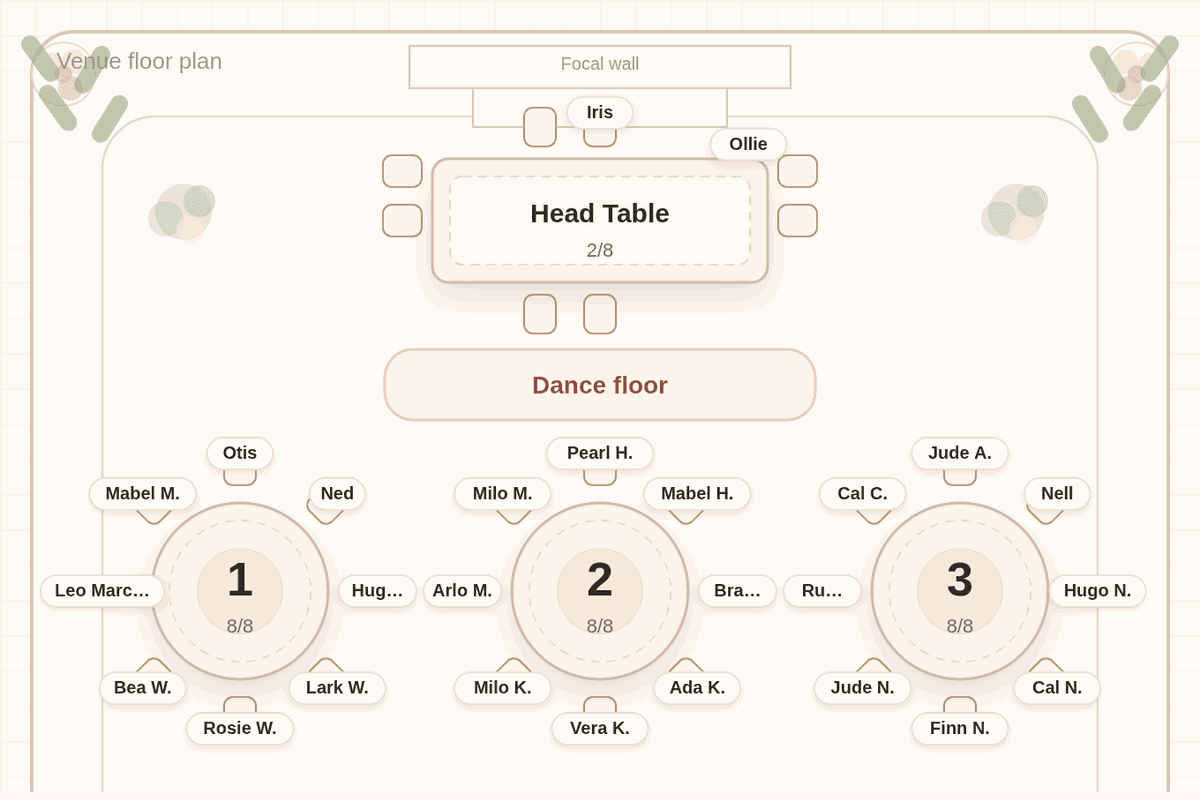
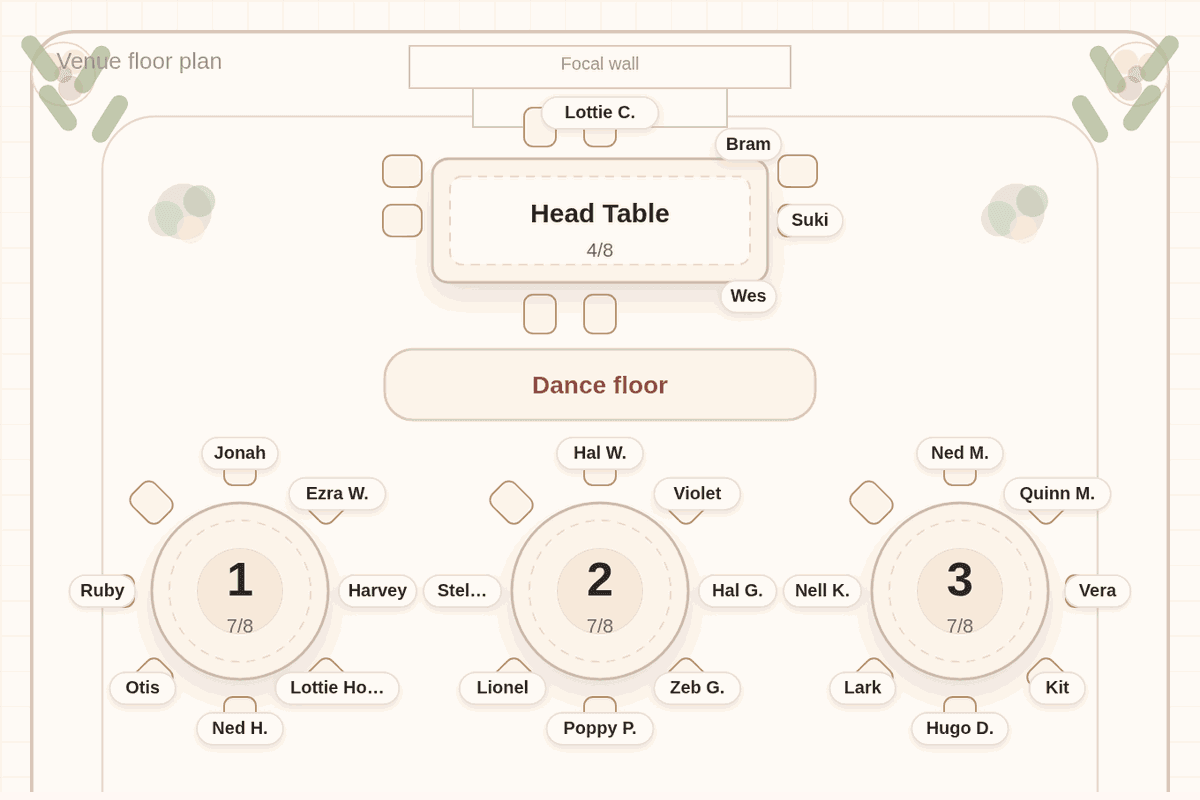
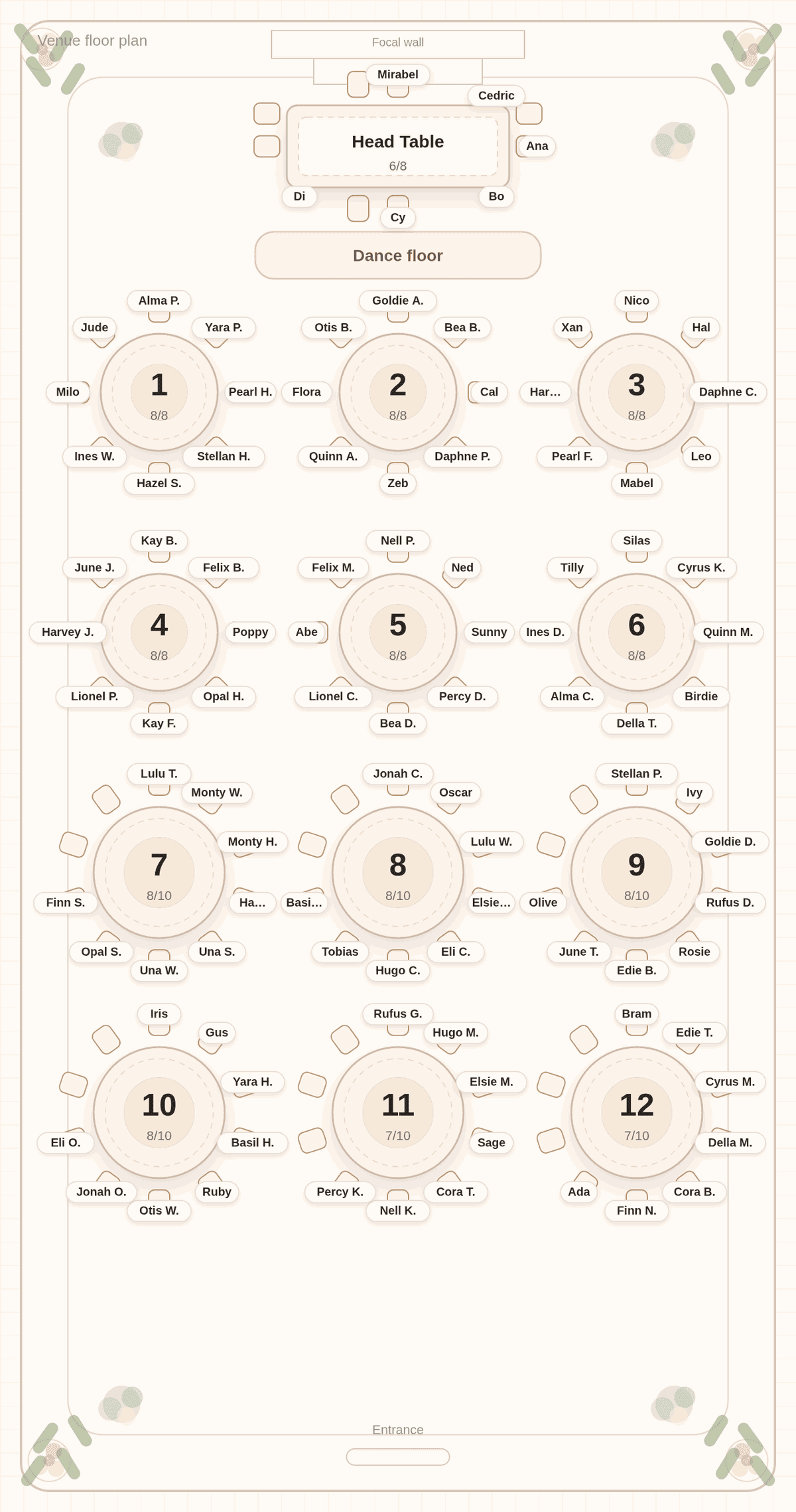
The chart below gives one hard number. We pasted a made-up list of 100 guests into Tablecharm, tagged the couple and four attendants for the head table, accepted the room plan and pressed Solve. In this capture, the solve took under two seconds from the button press to a seated chart in a desktop browser. Everything else in this guide is about the time around that.
Where the time goes
Making a seating chart is four jobs, and they take very different amounts of time:
- Getting the list right: one line per household, plus-ones named, declines removed.
- Deciding the few things that matter: the head table, who must sit apart, who should be near the front.
- Placing people at tables.
- Reading the result and adjusting.
By hand, the third job is the long one, because every change ripples. With a solver, the third job takes seconds, and the time moves to the first two, which you would have to do anyway.
The list is the long part
Most of the effort is the guest list itself. If it already lives in a spreadsheet or a wedding website, you are most of the way there; export it and import the CSV, or paste the names one household per line. If it lives in several places, merging them is the real work.
While you are in the list, add what you know: a tag for each friend group and each side of the family. Those few words do more for the chart than any rule.
Rules: a few minutes, if you keep them few
Most charts need a handful of rules: one or two pairs to keep apart, a group or two to keep together, parents and grandparents near the head table. In Tablecharm you add each one by tapping the guests and choosing the rule, then "Absolutely must" or "If possible".
The time sink is writing rules for preferences the list already carries. Households stay together without a rule, and shared tags already pull friends together. Keep hard rules for real conflicts.
The solve, and the read
Our 100 guests were seated in under two seconds, with every household together and no table over its count. The part worth your time is the read afterward: go table by table as a guest would. Tablecharm helps by listing anyone who knows nobody at their table, and every solve after the first moves as few guests as it can, so a correction does not undo the rest.
For most lists, that read is a sitting, not a weekend. Give it your full attention once, then again after the last replies.
When you would rather not do it at all
If the list is messy and the wedding is close, there is another option. Tablecharm offers a done-for-you service: you send the guest list and your rules, and a finished chart comes back in two days. It is a separate one-time purchase. The how-to guide covers doing it yourself, step by step.
Questions couples ask
How long does it take to make a seating chart for 100 guests?
The solve itself took under two seconds in our 100-guest example. Preparing the list and checking the result take longer, and vary most with how organized the list already is.
When should I start the seating chart?
Start a draft once most replies are in, and finish it after the last ones, before your venue's deadline. The guide to starting before all the RSVPs are in explains how.
Why does a seating chart take so long by hand?
Because every change ripples: moving one family means moving another to make room. A solver removes that part, leaving the decisions only you can make.
Can someone make the seating chart for me?
Yes. Tablecharm's done-for-you service arranges the tables from your list and rules and sends the chart back in two days.
Is it faster to make the chart by hand for a small wedding?
For a few tables, it can be about the same. The difference shows when the list changes: by hand you redo the ripple, with a solver you solve again.
Time your own solve
Paste your list below, one household per line, and press Solve. The seating takes seconds; the rest of the time is yours to spend on the decisions.
No list handy? Try it with a sample list first. The editor and solver are free, with every table readable in preview. Payment is for final files and the guest link.

Useful next
- Drag-and-drop vs automatic seating charts: when a manual tool stops being enough
- Seating chart maker: what the solver does
- Done for you: send the list, get the chart back
- Import your guest list: skip the retyping